Effortless time tracking software for your team
Ditch the complex setups. Timen is the fast, minimal app to track billable hours and turn them into clear reports for invoicing.

Time tracking
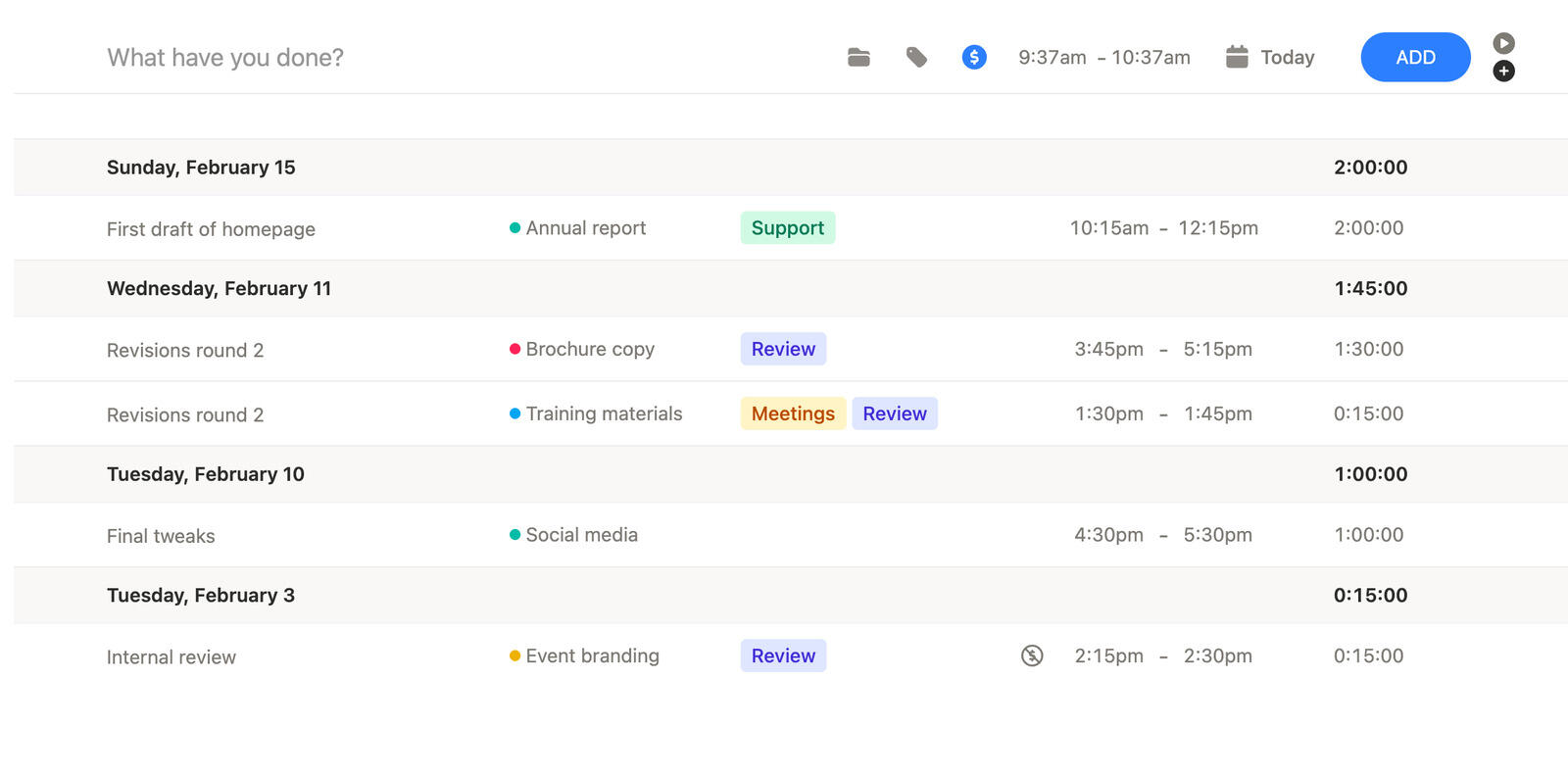
Track time as you work
Track time as you go, or add it later. Timen is built for quick logging, so it does not feel like extra admin work.
Keep time grouped by project and client, so it is easy to review later and see where the hours actually went.
When it is time to bill or share a summary, your totals are already clean - no spreadsheet cleanup and no guessing what belongs where.
Time calendar
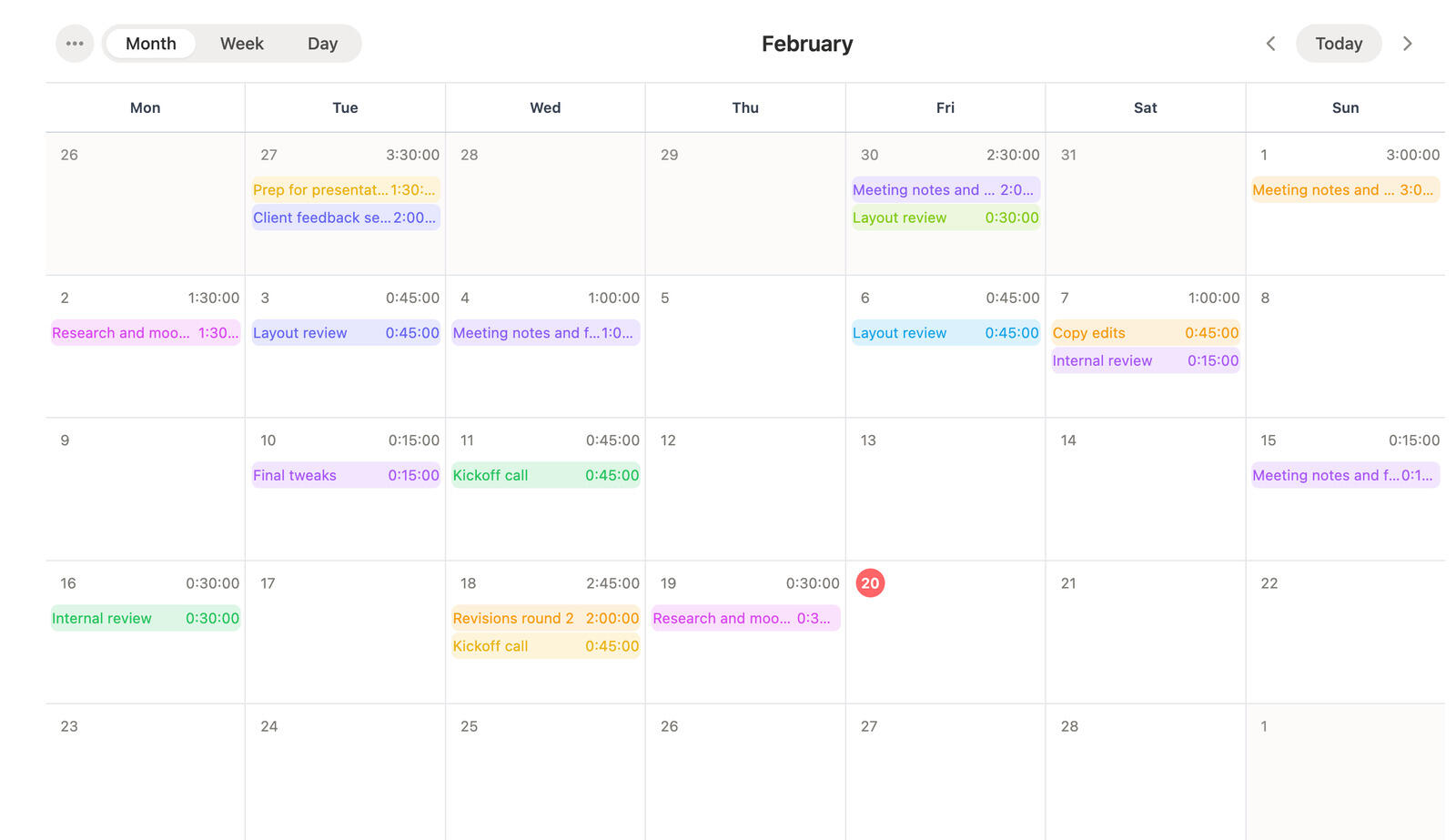
Track and review time in a calendar
Sometimes you just need to see time laid out on a calendar. It makes it easier to spot heavy days and understand what happened during the week.
Browse by day or week, and keep entries grouped in a way that stays easy to read.
If something looks off, you can adjust it and move on - without turning time tracking into a project.
Reporting
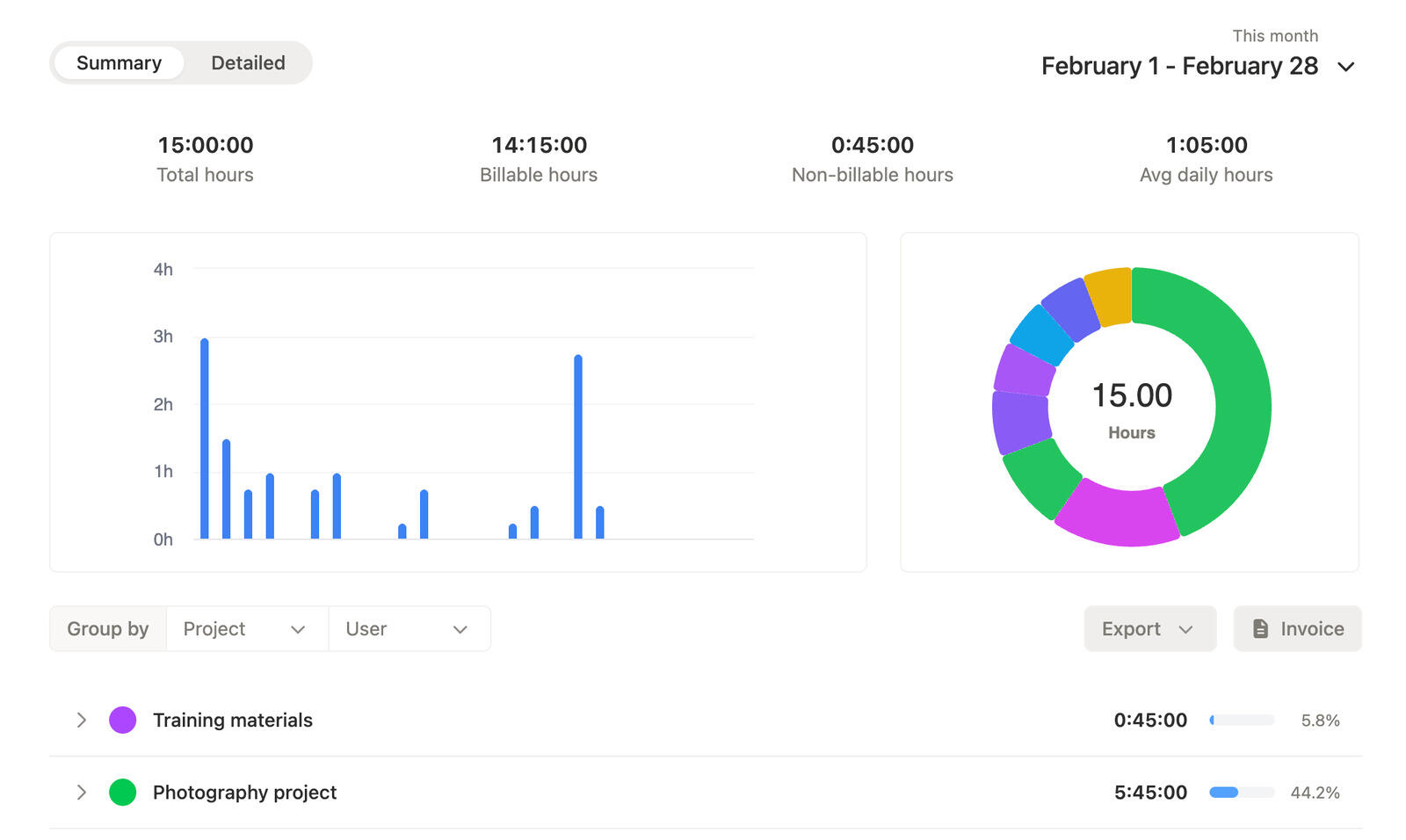
Time reports by project, person, and date
Reports should answer simple questions: what took time, where it went, and what you need to bill.
See totals by project, person, or date range, so you can share a clear summary or check progress without digging around.
When you need to send it out, exports keep it easy to hand off.
Invoices
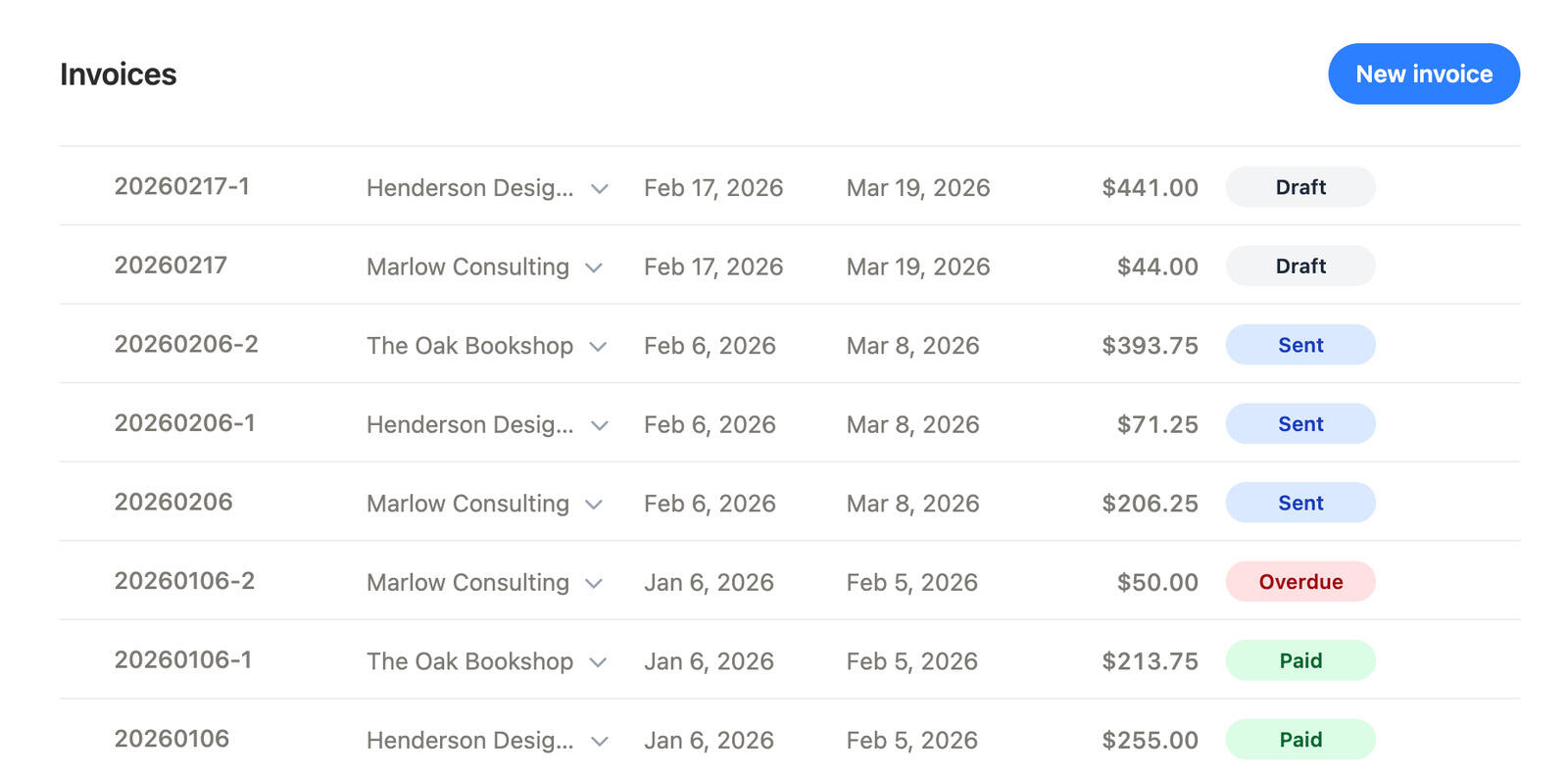
Turn tracked time into invoices
When billing time is part of the job, you want a clean handoff from tracked hours to an invoice.
Timen helps you pull together what you need, so invoices match the work without extra cleanup.
Send it, keep an eye on the status, and stop worrying about what was missed.
What makes Timen different?
Timen is a simple time tracking app for client work. It is quick to log time, easy to keep tidy, and built to turn billable hours into clear reports and invoices.
| Timen | Others | ||
|---|---|---|---|
| Quick to start tracking |

|

|
Feels like another chore |
| Easy for everyone |
|
|
Setup takes a whole project |
| Keeps projects and clients tidy |
|
|
Entries get messy fast |
| Edit time without breaking things |
|
|
Fixing it later is a headache |
| Reports that make sense |
|
|
Export, clean up, repeat |
| Simple pricing |
|
|
Pay extra for basics |
One plan, everything included
$ 9 /user/month
- Unlimited time entries
- Unlimited projects
- Timer and calendar
- Reports and exports
- Invoicing and billing
- Client management
- No feature tiers
- Fast human support
Everything is included in one plan. No tiers and no add-ons. Just clear, predictable pricing for simple time tracking, reporting, and invoicing.
Know where time goes without chasing updates
A straightforward way to log time, review it by project, and use it for reporting or billing.
Frequently asked questions
-
Time tracking software helps you capture time spent on work and organize it by project, client, or task. That visibility makes planning easier and billing more accurate.
-
A timer records work in real time. Manual entries let you log time after the fact. Timesheets collect entries for review, approvals, and reporting.
-
Simple tools keep setup minimal, make starting/stopping fast, and keep editing painless. Good defaults, clear totals, and clean reports matter more than endless configuration.
-
It creates clarity about where time goes, which helps teams estimate better and spot busywork early. Clear reporting also reduces back-and-forth when closing a project or preparing invoices.
-
Yes — that’s one of the most important basics. Categorizing entries makes reporting useful and makes it easy to understand what work is driving the most time.
-
Most teams need exports to share time with clients or run the numbers internally. CSV and PDF exports keep things portable and easy to hand off.
-
Integrations can reduce double entry and keep workflows consistent. When evaluating a tool, check for the integrations you care about or a simple export path you can rely on.
-
Prioritize adoption: fast entry, clean editing, and reporting that answers real questions. Then look for essentials like exports, invoicing support, permissions, and responsive human support.